Unblock Cube 3D Review
The Verdict
The classic unblock puzzle upgraded to 3D. Sliding pieces free in three dimensions adds real spatial challenge without losing the formula's clarity.
Rate this game
Tap to rate from 1 to 10.
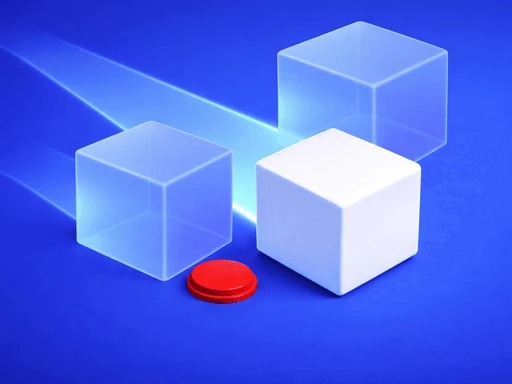
Unblock Cube 3D takes the sliding-block escape puzzle — free the target piece by shuffling blockers out of its path — and rebuilds it in three dimensions. If you have played the classic 2D version, the concept transfers instantly. The added dimension, however, changes the mental work substantially: blockers now interlock above, below, and behind, and reading the structure requires rotating the puzzle and building a genuine 3D model in your head.
That rotation mechanic is the quiet star of the game. Dragging to orbit the cube and inspect its internals feels smooth and natural, and the visual design supports it well — pieces are color-coded and distinct, and the target piece is always unmistakable. Spatial reasoning puzzles live or die on readability, and this one reads clearly even in dense late-game configurations.
Difficulty progression is well judged. Early cubes are gentle introductions where the solution is visible from one angle. Later cubes are genuinely knotty, with move sequences where sliding one piece unlocks a second whose movement unblocks a third. The dependency-chain reasoning at higher levels approaches the satisfaction of good mechanical puzzle boxes.
Two criticisms. First, some later levels inflate difficulty through piece count rather than cleverness, which makes them longer rather than smarter. Second, there is no move counter or par system in most versions, removing the optimization layer that puzzle enthusiasts enjoy chasing after a first solve.
Neither complaint dents the core appeal. Unblock Cube 3D exercises a kind of spatial thinking few browser games attempt, wraps it in a clean tactile interface, and delivers steady aha moments. For puzzle players ready to graduate from flat grids, this is the natural next step.
Pros
- 3D adds genuine spatial challenge
- Smooth rotation and excellent readability
- Satisfying dependency-chain solutions
- Steady well-paced difficulty curve
Cons
- Some levels inflate size over cleverness
- No move-count optimization goals
How to Play
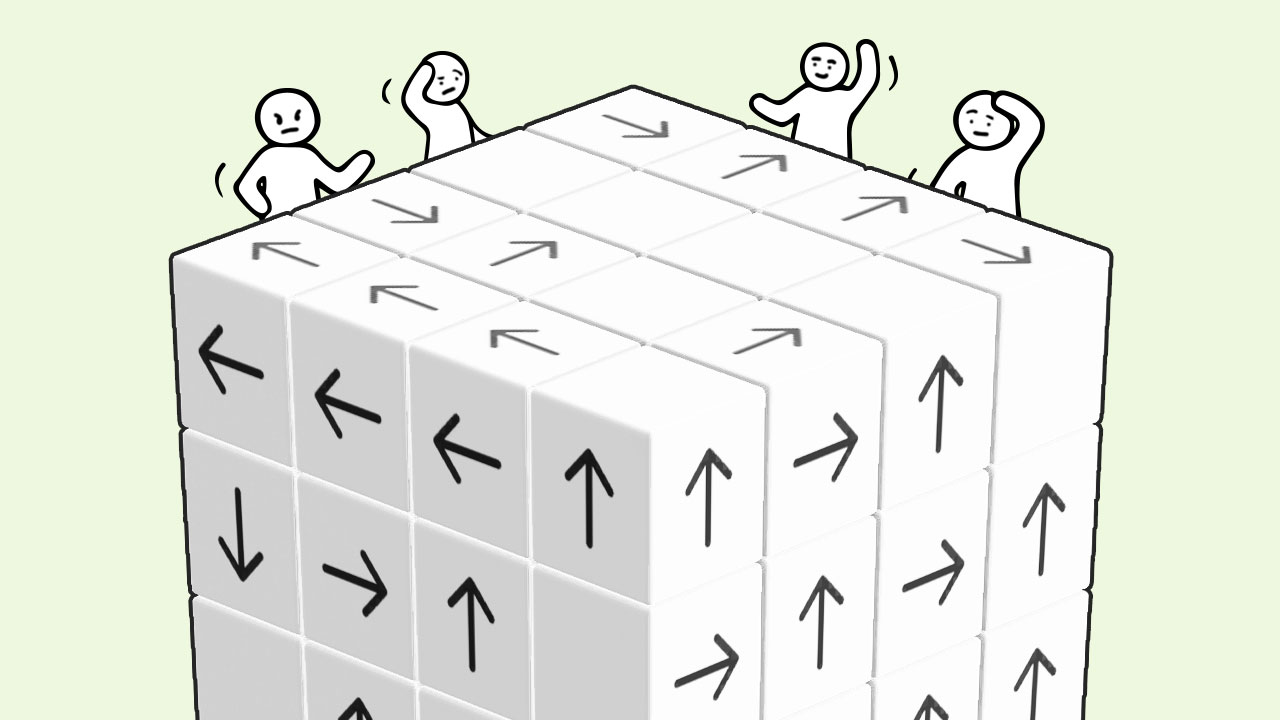
Drag the cube to rotate and inspect it from any angle. Tap and slide individual blocks along their axis to move them. Clear a path for the highlighted target piece to slide free of the cube.
Noobie Tips
- Rotate a full circle before your first move — the key blocker is usually hidden behind
- Work backwards from the target piece's exit path
- Move pieces the minimum needed; over-sliding creates new blockages
- If stuck, find the one piece that currently has zero freedom and free it first
Try It Yourself
Play the demo right here — no download, no login.
Distributed via GameDistribution.com
Who It's For
Spatial-puzzle fans who found 2D unblock games too easy and want a real mental rotation workout.